Free LEGO identification tool
Scan. Search. Build.
Identify loose parts and minifigures in seconds. See every official set they appear in, read build manuals on set pages, and check market value — no account required.
Works on phone and desktop · Build manuals on every set page · Catalog updated daily
64,247
Parts indexed
17,142
Minifigures
27,958
Official sets
Why collectors use BrickID
Turn mystery bricks into catalog facts before you buy, sell, or sort.
Verify authenticity
Match loose bricks against our official LEGO catalog. Confirm a piece is genuine — not a clone or mislabeled item — before you pay a premium.
Find parent sets
See every set a part or minifig appears in, with year and theme. Essential for pricing rare prints, retired minifigs, and hard-to-find elements.
Read build manuals
Open official LEGO instruction booklets on any set page — flip through pages in your browser, fullscreen on mobile, no PDF download required.
Check market value
See market value estimates, color variants, and full set inventories on each detail page. We identify — you decide what it's worth.
Built into every set page
Official LEGO build manuals, right here
Lost the paper booklet? Rebuilding a set from a bulk lot? Browse any set in our catalog and read the official instructions in an interactive page viewer — flip through steps, go fullscreen, and jump to any page.
- → Official LEGO instruction booklets in your browser
- → Works on phone, tablet, and desktop
- → Multiple booklets when a set has more than one
Built for buyers, sellers & collectors
Whether you're sorting a bulk lot or hunting a single rare tile, start with the catalog.
Sellers
Price bulk lots accurately and write listings with confidence. Know exactly which sets your parts came from instead of guessing "LEGO bulk — assorted."
Buyers
Verify that a part is a real catalog item before paying collector prices. Spot common pieces dressed up as rare finds in marketplace photos.
Collectors
Identify mystery minifigs from yard sales and incomplete sets. Find which official sets they complete so you know what to hunt for next.
Interactive collector tools
Go beyond catalog pages — check set completion, compare inventories, and estimate lot value.
Set completion checker
Mark parts you own and see what's missing from any official set inventory.
⚖Set parts comparison
Compare two sets side by side — shared parts, unique elements, overlap percentages.
💰Bulk lot valuator
Add identified parts and get an estimated total from recent sold prices.
🧱What can I build?
Add sets you own and find other models where you already have most of the parts.
Photo AI
Scan with your camera
Point your phone at a loose part, minifigure, or set box. We match your photo against our catalog — and we do not keep copies of your images.
- → Part, minifig, set, or "everything" mode
- → Upload a photo if camera access isn't available
- → Confidence scores with manual search fallback
Catalog lookup
Search by number or name
Already have a part number, minifig ID, or set name? Search instantly — with thumbnails, type badges, and links to full detail pages.
- → Parts like
3001or catalog part numbers - → Minifigs, sets, and keyword name search
- → Live suggestions as you type
Browse the catalog
Recent sets with parts lists, minifigs, build manuals, and price estimates

Pet Show
PETSHOW-1 · 2026 · Promotional
63 parts
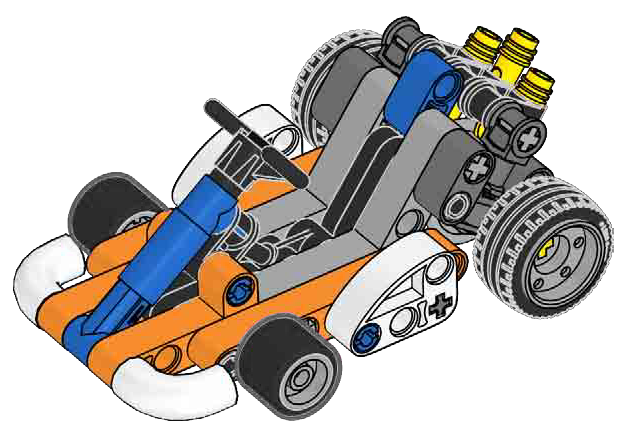
Go-Cart
L0002293-1 · 2026 · Technic
67 parts

Motorcycle
L0002292-1 · 2026 · Technic
68 parts
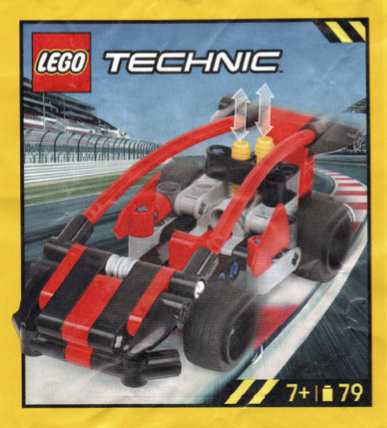
Super Sports Car
L0002291-1 · 2026 · Technic
79 parts

Mateo
L0002288-1 · 2026 · Dreamzzz
11 parts
![Spider-Man [Mask Tin]](https://cdn.rebrickable.com/media/sets/l0002285-2.jpg)
Spider-Man [Mask Tin]
L0002285-2 · 2026 · Spider-Man
7 parts
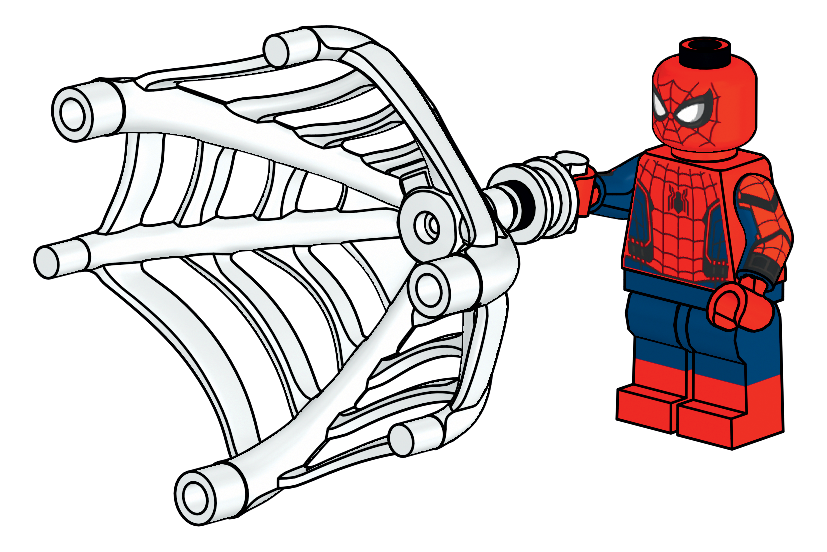
Spider-Man
L0002285-1 · 2026 · Spider-Man
7 parts

Anti-Venom
L0002284-1 · 2026 · Spider-Man
10 parts
How it works
Three steps from mystery brick to identified, priced catalog item.
-
1
Scan or search
Take a photo on a plain background, or type a part number, minifig ID, or set name if you already have a clue.
-
2
Get a catalog match
See the official ID, name, image, color variants, related prints, and every parent set the item appears in.
-
3
Check value & decide
Review market value and set inventories on each detail page. BrickID proves the item is real — you set the price.
Common questions
Quick answers before you start scanning.
Can I read build manuals on BrickID? +
Yes. Every set page includes official LEGO instruction booklets when available. Open a set, scroll to the building instructions section, and flip through pages in your browser — no account or download required.
Is BrickID free? +
Yes. Scanning, searching, and browsing set pages are free. No account is required. We don't sell parts or handle payments.
Where does the catalog data come from? +
Our catalog covers official LEGO sets, parts, and minifigures and is updated daily from public sources around the web. See our catalog overview for more detail.
Why isn't my scan finding a match? +
Try a clearer photo on a plain background, good lighting, and a single item in frame. If confidence is low, use search instead — type any numbers printed on the piece or describe it by name. Some very new or rare items may not be in the catalog yet.
Can I identify minifigures and whole sets too? +
Yes. The scanner supports part, minifig, set, and combined modes. Search also covers all three types — each result links to a detail page with set lists and price information.

Stop guessing. Start identifying.
Whether you're pricing a bulk lot or hunting one missing piece, the catalog has the answer.